Limelight 3A
Set-up Hive Vision for your Limelight 3A
Neural Networking: Limelight 3A runs the SSD detector on its own CPU, using Hive Vision neural network you can simply apply it in your pipeline settings and use various provided code for pollen tracking.
Prerequisites:
- Limelight 3A
- MacOS, Linux, or Windows computer
Installation
Section titled “Installation”-
Connect your limelight to your computer: Wait roughly 10-15 seconds until you see the orange and green light flickering, this is how you know it is connected.
-
In your browser, open up
http://limelight.local:5801When entered, you will see a limelight dashboard with a camera stream, if not, please repeat step 1. -
Allow pipeline switch at the top Select a pipeline that you can remember.

-
Select
Neural Detectorfor your pipeline type on the Limelight local This will allow the Hive Vision program to be running on your limelight’s cpu.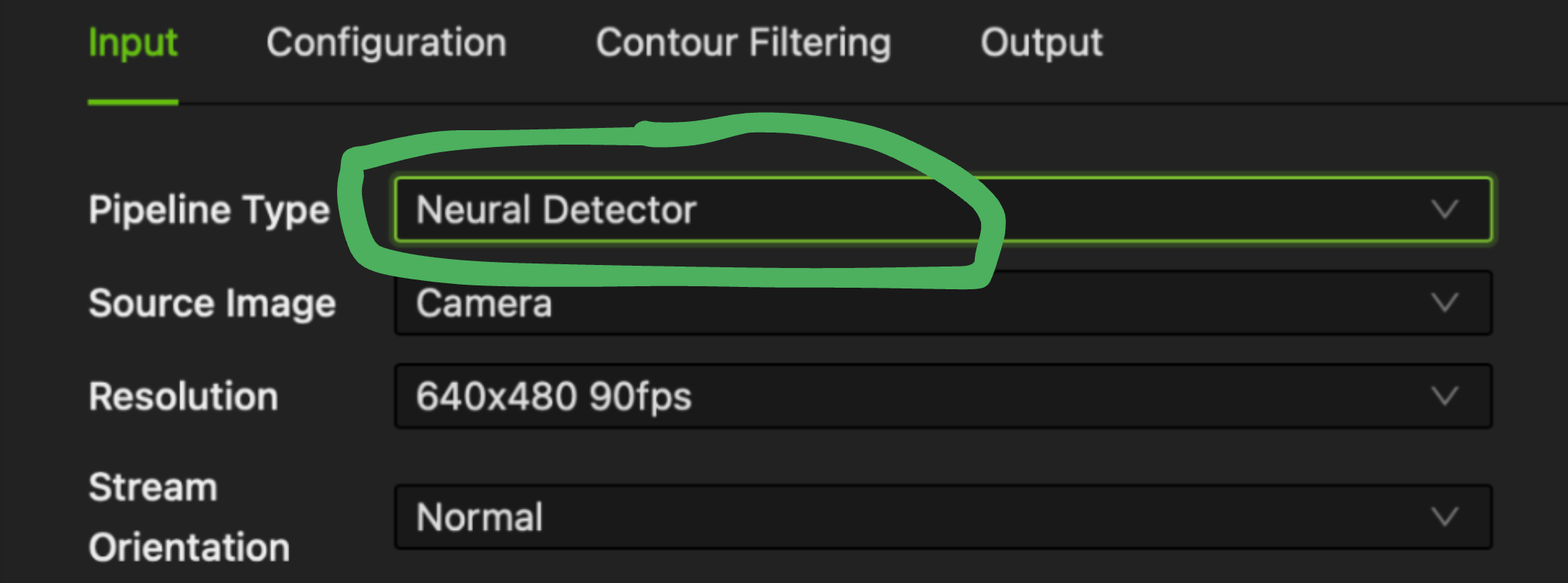
-
Download the
tfliteandlabels. Save it into a known file for later use. -
On the
configurationtab at the top Upload thetfliteandlabelsinto the designated spot in your pipeline settings.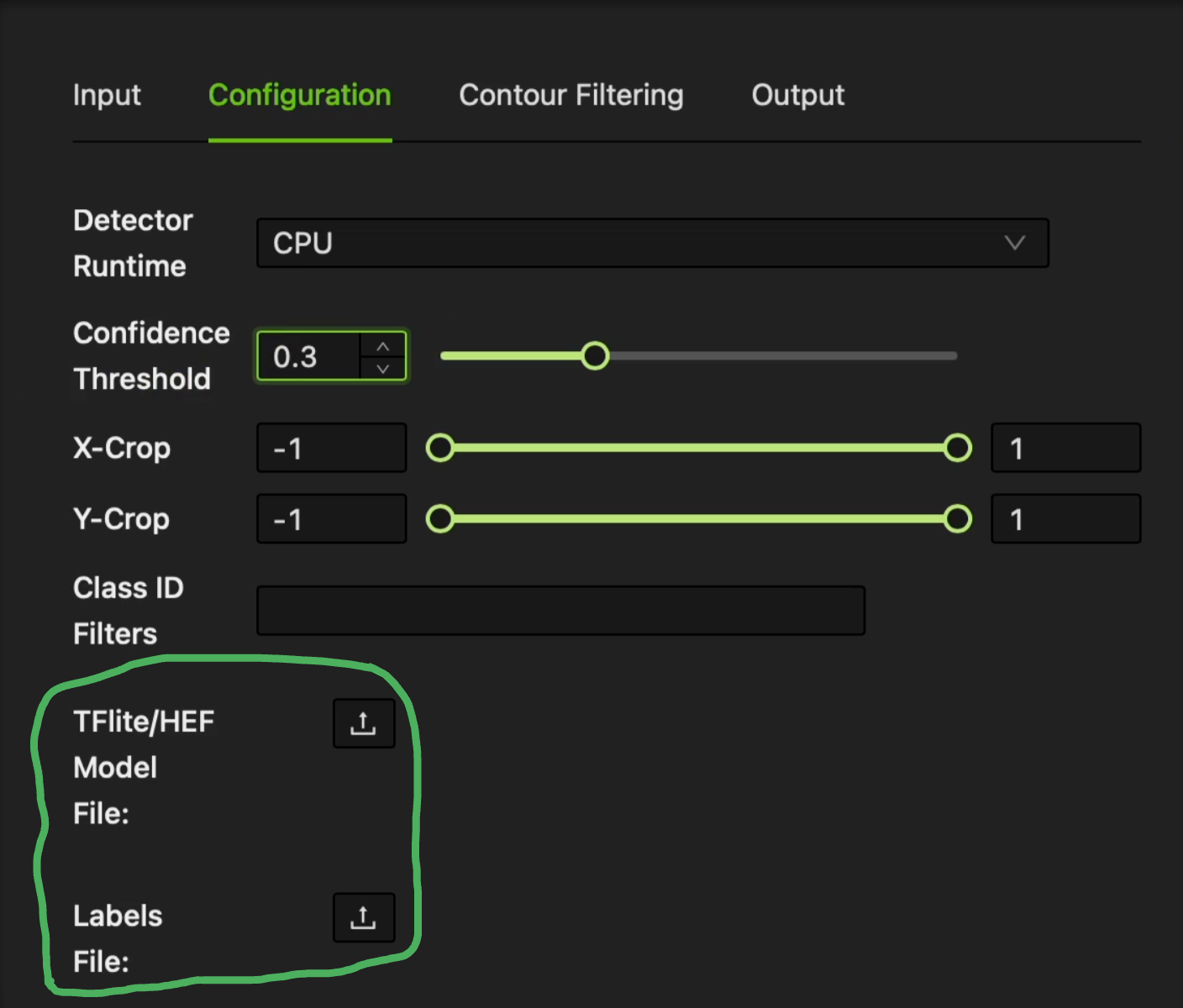
-
You may now point the Limeight at various etities and see detection the dashboard, if not try lowering the
Sensor GainandExposureto ~20 and ~2200, andconfidencelower according to your detection capabilities (0.3-0.4).
Success! Congratulations on setting up Hive Vision for your Limelight 3A! Refer to the Usages panel, for how to apply this Neural Network in FTC working code!